Why I built A11y Canvas
A story of career change, designer frustration, and a tool that didn't exist yet.
The name
What does "A11y" mean?
"A11y" is a commonly used abbreviation in the digital world to refer to accessibility. It is a numeronym: between the first letter A and the last letter Y of the word accessibility, there are exactly 11 letters.
This term is widely known among web and software professionals: developers, UX/UI designers, accessibility experts, QA testers and product managers. Digital accessibility means designing websites, applications and services that can be used by everyone, including people with disabilities (visual, auditory, motor, cognitive, etc.). Today, "A11y" has become a reference term in web development and inclusive design communities.
Canvas is the visible part of the project: the Preview Canvas — a real-time preview of a simplified mini-page that updates instantly with every configuration change. It's the core element of the application, and the name reflects that.
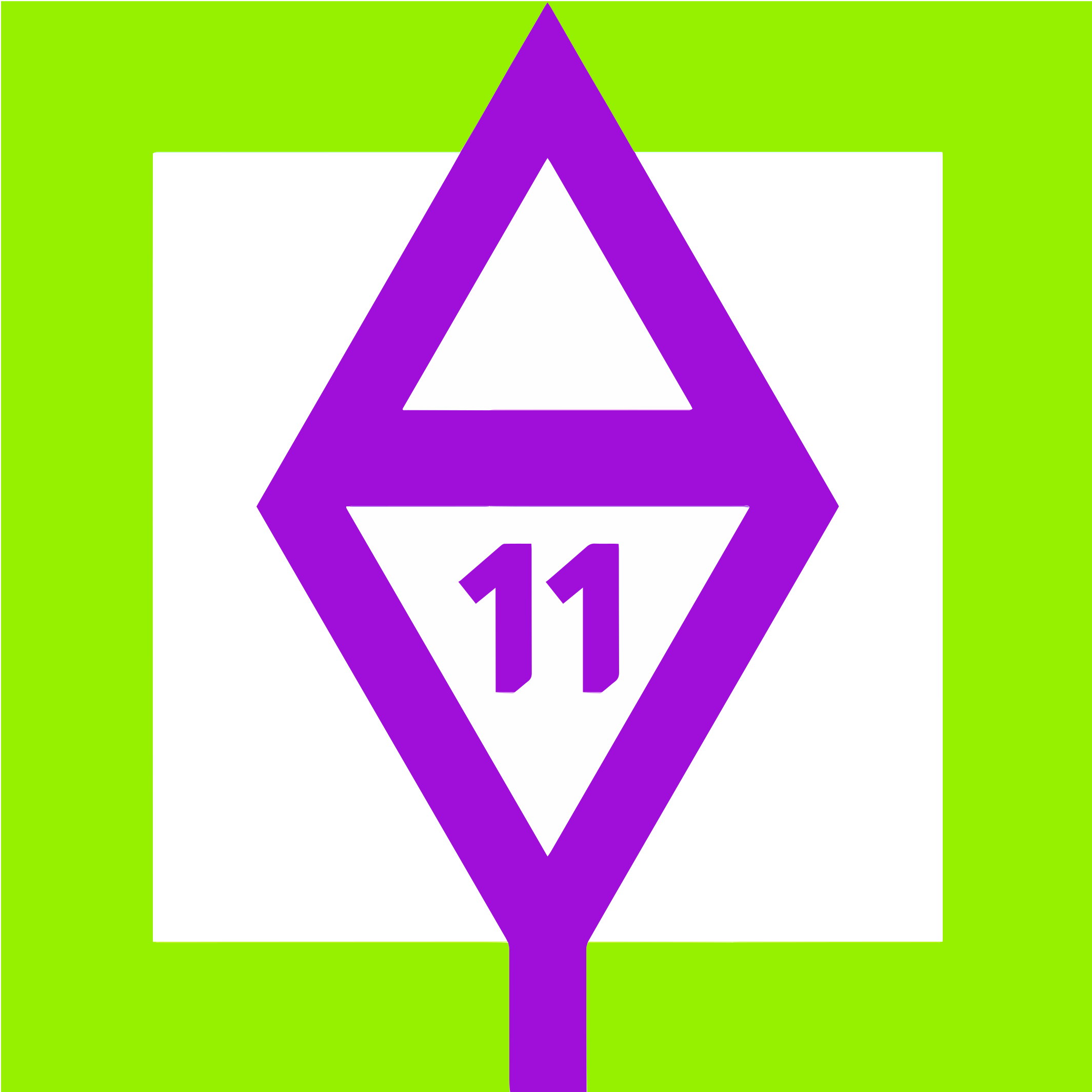
The logo visually captures this dual identity: the letters A and Y, the number 11, and a square — the canvas.
Where the idea came from
I'm a full stack web developer, graduated from Wild Code School in 2025. And before that, a graphic designer and artist for many years. That career change was a deliberate choice. But it didn't cost me my designer's eye. And that's where everything starts.
During my training, I worked on team projects with tight deadlines. Every time, same situation: the features to develop take as long as they take, and the visual style guide ends up at the bottom of the list. We pick colours that are 'roughly correct', hope the contrasts pass, and submit the project.
This isn't a criticism of the school — it's the reality of any intensive full stack programme. Accessibility and design aren't on the curriculum. That's logical, justified, and consistent with the pedagogical goals.
But for me, with my background as a graphic designer, cutting corners on this step was impossible without discomfort. And I was aware that poor colour contrast isn't just an aesthetic problem — it's a real barrier for real users.
So I built the tool I was missing.
What A11y Canvas does
A11y Canvas is an accessible design token generator for all your web and digital projects. It's not a page builder. It's a configuration tool that produces ready-to-use CSS variables, tested and compliant with WCAG and RGAA standards.
The interface is organised around six configuration axes, all visible in real time in the PreviewCanvas.
Colour palettes
A growing library of predefined palettes, manually tested with the WAVE extension, WCAG AA compliant minimum (ratio ≥ 4.5:1). Each palette covers 12 colour roles and is available in light and dark mode. Custom generation via colour picker with real-time contrast checking.
Typography
Font pairs selected for their readability and clarity at all sizes, served via Fontsource to guarantee GDPR compliance.
Border-radius
Named presets: Angular, Soft rounded, Pill — from the most austere to the most organic.
Spacing
Strict 4 px base grid. Named presets: Compact, Standard, Airy.
Shadows
Four elevation levels (low / med / high / extra), exclusively in rgba black — never pure black.
Preview Canvas & export
Real-time page mini-mockup. Five screen formats: desktop, laptop, tablet, portrait, mobile. Export as CSS variables, ready to paste directly into your project. Save configurations to your profile.
Who is it for?
A11y Canvas is aimed primarily at web developers — those working alone or without a designer in their team, those starting their careers, and those who, like me, have an artistic background and struggle to sacrifice visual quality for the sake of time.
On digital accessibility
Accessibility is not a 'feature' added at the end of a project. It's a set of criteria that runs through every layer of front-end development: semantic HTML, contrast, typography, keyboard navigation, focus management, forms, dynamic content, media.
I'm fully aware of the breadth of this field. A11y Canvas focuses on design tokens — a first foundation, essential and immediately actionable. The palette collection will continue to grow. Features will evolve with my skills and your feedback.
I'm particularly glad to hear from accessibility experts — RGAA auditors, ergonomists, assistive technology users. If you have suggestions, feedback or criticism, I'm all ears. Truly.